
Custom ERP Software vs Off-the-Shelf Solutions
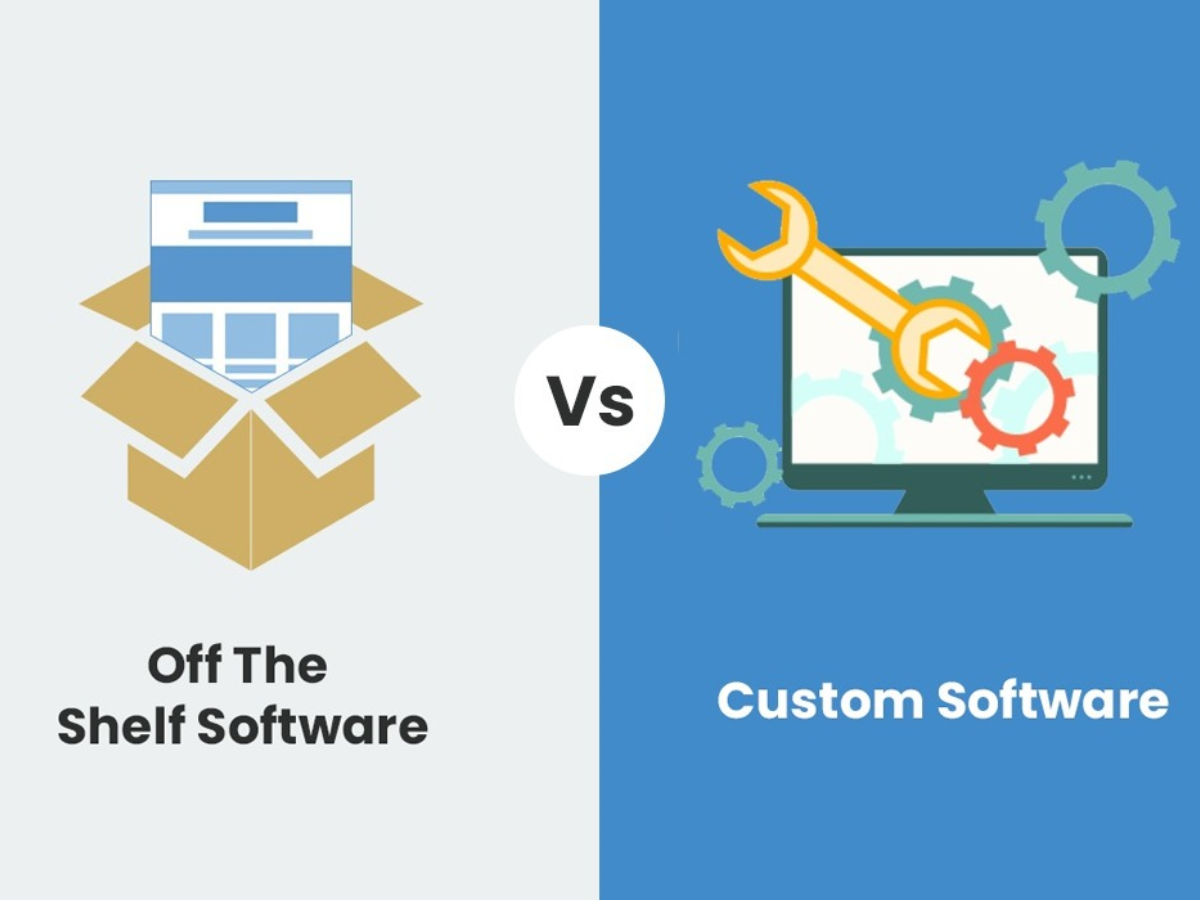
Businesses rely on software to manage everyday operations, customer information, finances, inventory, employees, and reporting. As a company grows, using separate tools for each department can make information difficult to manage and processes harder to coordinate.
This is where ERP software can make a difference. However, businesses still have an important decision to make: should they choose a ready-made ERP solution or invest in custom ERP software?
Both options have their advantages. The right choice depends on the company’s size, processes, budget, growth plans, and the level of flexibility it needs.
Understanding the difference can make the decision much easier.
What Is Custom ERP Software?
Custom ERP software is developed around the specific requirements of a business.
Instead of changing the company’s workflow to match a pre-built system, a custom ERP can be designed around existing processes and business requirements.
For example, a company may need specific modules for:
- Inventory management
- Sales and purchases
- Employee management
- Accounting
- Customer management
- Logistics
- Reporting
- Multi-branch operations
- Automated notifications
A custom system can bring these processes together in one platform while allowing features to be developed according to the organization’s needs.
What Is Off-the-Shelf ERP Software?
Off-the-shelf ERP software is a pre-developed solution designed to serve a wide range of businesses.
These systems generally come with standard features that can be configured according to the customer’s requirements.
They can be useful for businesses that need common ERP functions and want to start using a system relatively quickly.
However, a standard solution may not always match every company’s workflow.
Some businesses may need to adjust their internal processes to fit the software, while others may require additional integrations or customizations.
Custom ERP Software vs Off-the-Shelf Solutions
The main difference is flexibility.
A ready-made system provides features that have already been developed, while a custom ERP can be built around specific business requirements.
Here are some important factors to consider.
1. Business-Specific Requirements
Every business has its own way of handling daily operations.
A manufacturing company may need production tracking and raw-material management, while a logistics company may require shipment tracking, expense management, and financial reporting.
A standard ERP may provide many useful features, but some business-specific processes may not fit perfectly.
Custom ERP software allows the system to be designed around those unique requirements.
2. Flexibility and Customization
Customization is one of the biggest advantages of a custom ERP system.
Businesses can choose the modules and features they actually need rather than paying for a large collection of functions that may not be useful.
As requirements change, additional features can also be introduced as part of the system’s development and maintenance plan.
This can be particularly useful for growing businesses whose processes are likely to change over time.
3. Scalability
A business that works well with a small software system today may have very different requirements in the future.
It may add:
- New employees
- Additional branches
- More customers
- New products
- Larger inventories
- New business processes
A scalable ERP system should be able to support these changes without forcing the company to completely replace its core system.
Custom ERP development can take future requirements into consideration during the planning stage.
4. Integration With Existing Systems
Businesses often use several applications for different purposes.
For example, a company may already have systems for:
- Accounting
- Payments
- Customer communication
- Inventory
- Human resources
- Websites
- Mobile applications
When these systems operate separately, employees may need to enter the same information multiple times.
A custom ERP can be developed with specific integrations in mind, helping different systems communicate more effectively.
This can reduce repetitive data entry and make information easier to access.
5. User Experience
A software system may have many features, but that doesn’t automatically make it easy to use.
Employees need interfaces that are clear and relevant to their responsibilities.
With custom ERP software, screens and workflows can be designed around different user roles.
For example, an inventory employee may need access to stock information, while a manager may need sales reports and business performance data.
Providing each user with relevant information can make the system easier to work with.
6. Data and Reporting
Business decisions depend on accurate information.
When data is spread across different spreadsheets and applications, creating reports can take time and may involve manual work.
An integrated ERP system can bring information together so businesses can monitor important areas from a centralized platform.
Custom reporting can also be useful when standard reports don’t provide the information a business needs.
Companies can create reports around their own key performance indicators and operational requirements.
7. Security and User Access
Different employees don’t necessarily need access to the same information.
An ERP system can use role-based access to control which features and data different users can view or manage.
For example, administrators may have broader access, while individual employees may only need access to the sections related to their work.
The exact security features depend on the software architecture and implementation.
8. Long-Term Business Growth
Choosing business software isn’t only about solving today’s problems.
Companies should also consider where they expect the business to be in the next few years.
A system that works for a small team may become restrictive as operations expand.
Custom ERP software can be planned with future growth in mind, allowing the business to develop its technology alongside its operations.
Advantages of Custom ERP Software
For businesses with complex or specialized processes, a custom ERP can offer several benefits.
Better Process Alignment
The system can be designed around the company’s actual workflow instead of forcing employees to follow an unfamiliar process.
Greater Flexibility
Features and modules can be selected according to business requirements.
Easier Integration
Custom development can consider the systems and applications the business already uses.
Scalable Architecture
The system can be planned to support future changes and additional requirements.
Personalized Reporting
Businesses can create reports based on the information they actually need.
Improved User Experience
Interfaces and workflows can be designed around specific user roles.
Potential Challenges of Custom ERP Software
Custom ERP development also requires careful planning.
Businesses should consider:
- Initial development costs
- Development timelines
- Ongoing maintenance
- Testing requirements
- Employee training
- Data migration
- Future updates
A successful ERP project requires clear communication between the business and development team.
Before development begins, companies should identify their current challenges, required features, users, integrations, and future goals.
When Is Custom ERP Software a Better Choice?
Custom ERP software may be worth considering when a business:
- Has unique operational processes
- Needs several systems to work together
- Requires specialized reports
- Operates across multiple branches
- Expects significant growth
- Needs specific user roles and permissions
- Has outgrown spreadsheets or disconnected software
- Wants greater control over its business system
A custom solution isn’t automatically the best option for every company. Businesses with straightforward requirements may find that a suitable ready-made system meets their needs.
The important thing is to choose software based on actual business requirements rather than simply choosing the system with the largest number of features.
Important Factors to Consider Before Choosing an ERP
Before investing in an ERP system, consider these questions:
Business Requirements
List the processes that need improvement and identify the features that are genuinely necessary.
Budget
Consider not only development or subscription costs but also implementation, training, maintenance, and future upgrades.
Scalability
Think about how the company may grow and whether the system can support that growth.
Integration
Check whether the ERP can connect with the applications your business already uses.
User Adoption
A system is only useful when employees can understand and use it effectively.
Support and Maintenance
Ask about ongoing technical support, updates, troubleshooting, and future development.
Common ERP Selection Mistakes
Businesses sometimes focus too heavily on features and overlook practical requirements.
Some common mistakes include:
- Choosing software without understanding business needs
- Buying unnecessary features
- Ignoring integration requirements
- Focusing only on initial cost
- Forgetting about employee training
- Not planning for future growth
- Underestimating data migration requirements
- Selecting software without considering long-term support
A proper ERP evaluation should look at the complete picture rather than one feature or price point.
FAQ's
Is custom ERP software better than ready-made ERP?
It depends on the business. Custom ERP can be more suitable for companies with specialized processes, complex integrations, or specific reporting requirements. Ready-made ERP may work well for businesses with more standard requirements.
Is custom ERP software expensive?
The cost depends on the features, number of users, integrations, complexity, and development requirements. Although custom development can require a larger initial investment, it can provide functionality designed specifically around the business.
Can custom ERP software grow with a business?
Yes. Scalability can be considered during the planning and development stages, allowing the system to accommodate future users, branches, modules, and business requirements.
Can an ERP system integrate with existing software?
Yes, depending on the systems involved and the available integration options. Integration requirements should be discussed before development or implementation begins.
Is ERP suitable for small businesses?
ERP can be useful for small businesses when they have multiple processes that need to be managed together. The right solution depends on the company’s requirements, budget, and growth plans.